Stunning Creative Photo Effects Ideas for Eye Catching Visuals
Creative photo effects transform ordinary images into compelling visual stories that capture emotion and attention in a crowded digital landscape.
Whether you are a professional photographer or a smartphone enthusiast, understanding how to harness these effects helps you communicate your unique perspective instantly.
Understanding the Foundations of Visual Impact
Great creative photo effects begin with a clear grasp of light, color, and composition rather than relying solely on digital tricks.


By mastering these fundamentals, you ensure that every enhancement you add serves the story instead of distracting from it.
Light and Shadow Play
Directional lighting sculpts subjects, while harsh shadows can create drama or mystery depending on how you position them.
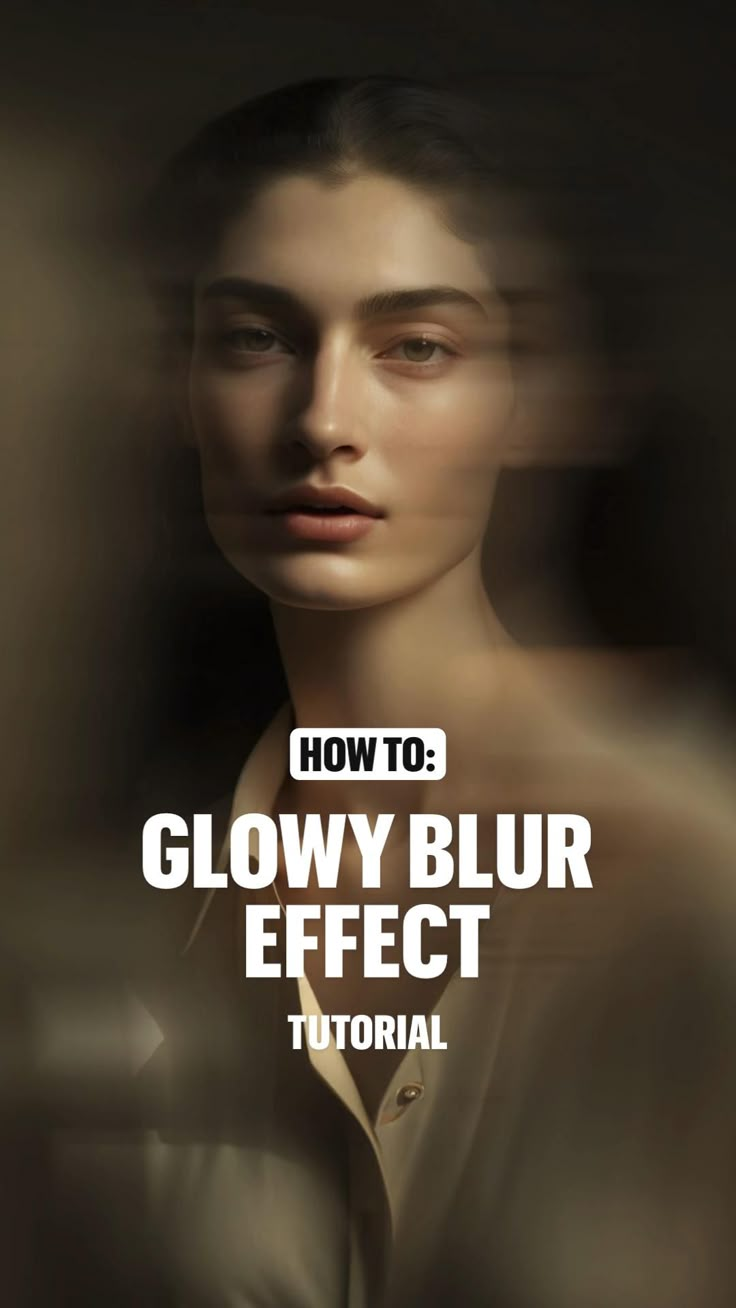


Soft, diffused light often suits portraits, whereas high contrast scenes work beautifully for abstract urban photography.
Color Theory in Practice
Complementary colors placed side by side can make your subject pop, while analogous tones deliver a soothing, harmonious mood.
Adjusting white balance creatively allows you to shift the entire atmosphere from warm and nostalgic to cool and futuristic.


Mastering In-Camera Techniques
Applying effects at the shooting stage often yields more organic results than trying to fix issues during editing.
These in-camera approaches give you a strong foundation that preserves image quality and reduces the need for heavy post processing.
Motion and Intentional Camera Movement
Slowing your shutter speed and moving the camera during exposure can turn a simple scene into a flowing, painterly abstraction.


This technique works especially well with city lights at night or with water, where the trails convey energy and time.
Lens Filters and Experimental Shooting
Using a polarizing filter can deepen skies and control reflections, while softening highlights for a gentle, dreamlike look.
Prism or cracked glass filters introduce unexpected flares and vignettes that add character without overwhelming the core subject.
Leveraging Digital Editing Tools
Modern editing software gives you precise control over every aspect of your image, from global adjustments to selective enhancements.
This flexibility encourages experimentation while helping you maintain a consistent visual style across a full series of work.
Curves and Advanced Tone Mapping
Adjusting curves allows you to fine tune contrast, lifting shadows or crushing blacks to create a dramatic, cinematic feel.
Targeted adjustments using radial or gradient filters can apply these effects to specific areas, guiding the viewer’s eye exactly where you intend.
Selective Color and Split Toning
Reducing an image to muted tones with one color accent can highlight a subject in a minimalist yet striking way.
Split toning warms highlights and cools shadows, infusing the photograph with a stylized, otherworldly atmosphere that stands out online.
Pushing Boundaries with Advanced Effects
Stepping beyond standard presets encourages you to develop a signature aesthetic that feels personal and memorable.
Exploring these methods helps you stay versatile across genres, from serene landscapes to high energy street scenes.
Double Exposure and Compositing
Blending two exposures can create surreal narratives, merging a portrait with a landscape or architecture with nature.
Careful attention to contrast and alignment ensures that the final composite appears intentional rather than chaotic or cluttered.
Abstract Textures and Overlay Techniques
Adding grain, noise, or scanned textures can introduce a tactile, film like quality that softens digital perfection.When layered subtly through screen or overlay modes, these elements give your work a unique, tactile edge without obscuring the underlying photograph.
Experimenting regularly with creative photo effects keeps your work fresh and helps you discover new ways of seeing the world, so continue exploring new tools, revisit old techniques with a fresh eye, and let your evolving style speak for itself through every image you capture.
Related Articles

Simple Photo Mosaic Examples Creative Ideas For Stunning Visuals
Creating a simple photo mosaic is an accessible and rewarding way to turn many images into one impressive picture. This technique arranges small photographs...

Creative Photo Collide Ideas Stunning Visuals 2024
In the digital age, photography has evolved beyond mere snapshots, giving rise to creative expressions like photo collages. These visual masterpieces allow us...

4 Picture Arrangement Ideas Creative Layouts For Stunning Visuals
Arranging pictures on a wall can transform a blank expanse into a personal gallery that reflects your style and mood. When done with intention, picture...

Creative Easter Egg Vignette Ideas Stunning Visuals
Easter eggs, those delightful hidden surprises in movies, games, and even software, have become a beloved tradition among fans. But have you ever considered...

Creative Media Background Ideas For Stunning Visuals
In the dynamic world of media and content creation, the background plays a pivotal role in setting the tone, enhancing visual appeal, and even conveying subtle...

Creative Mosaic Moments Ideas For Stunning Visuals
Every day is stitched together with tiny, shimmering instances that quietly define the texture of a life, and learning to notice mosaic moments ideas is a...